 ▾
▾Is Your Internet Dropping? We Present the 5 Most Common Causes
Are you troubled by internet outages? Together, we will look at the 5 most common causes of unstable connections. Find out how to identify problems on the provider's side, when an outdated router is to blame, and how an overloaded home network affects connection stability.

A stable internet connection is an essential for most of us now. Whether you're watching internet TV, playing games, working from home, using a smart home, or just surfing the internet, you'll always need a quality, and above all, stable connection. Unfortunately, even today, you may encounter situations where your internet 'drops'.
Some solve this problem occasionally, others get frustrated several times a week because of it. Outages rarely occur regularly, which further complicates problem identification. In our guide, we will describe the most common causes of internet outages and tips on how to resolve them.Technical issues on the provider's side
The first cause that should come to mind during an outage is a problem on the provider's side. Occasionally, technical issues may arise that can likely be resolved within a few hours. Reasons might include bad weather or network overload due to too many users connecting.
However, it might also be a planned maintenance outage associated with network maintenance. Your provider should inform you about this through either their app or website. If you can't find any information about the outage and still have internet problems, you can contact customer support directly to inform them about your issues.
Outdated or faulty equipment
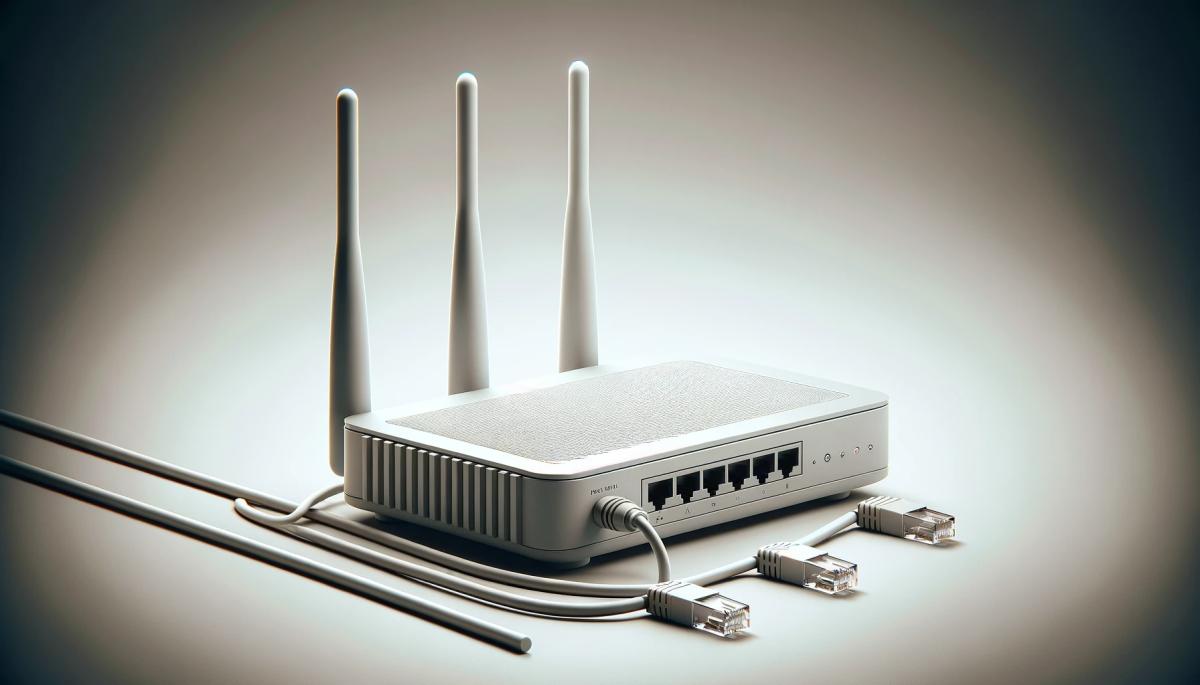
Unstable internet connection can also be caused by outdated equipment. In this case, it involves modem or router. Ensure that your device is not outdated and its firmware is up to date. You can try restarting it, which will refresh it and likely update it. More experienced users can also check device settings.
If you're still troubled by unstable internet, the device may be damaged. This can be very difficult to check. Do not attempt to disassemble and repair the device yourself. First, make sure that other causes from our list are not responsible for the outages, and if necessary, take the device to a service center or contact the provider.
If your connection relies on cables, they may have been damaged over time. This can cause unstable internet connection and slowdowns that may not be immediately apparent. Damage can be both direct and due to wear and tear.
It's rare for anyone to immediately identify that the problem is with network cables. It's much better to contact the provider directly and request a technician visit to check and possibly repair the cables.
TIP: If your internet is dropping, the simplest thing to do is to measure internet speed. Our speed measurement tool can help you measure the connection quality.
Overloaded home network
Quite often, unstable internet connection is caused by connecting multiple devices at once, which can overload your home network. The issues can be caused not only by the number of devices but also by the intensity of the tasks you use them for.
Imagine a four-person household with a slow connection where streaming platforms are running in two rooms and everyone is surfing the internet. In such a case, the network easily gets overloaded, and it's almost impossible for anyone to get a completely smooth connection. In short, streaming platforms start stuttering, and web loading can take minutes instead of seconds.
If you are troubled by a similar situation, your only option is to contact your provider and seek solutions to increase internet speed. A quick and effective solution is also to limit the number of connected devices. You can see the quality of various connection types in the table below.
Connection Type |
Maximum Download/Upload Speed |
Stability |
Suitable for demanding tasks (streaming, gaming) |
DSL |
100 / 10 Mbps |
Medium |
Almost unsuitable |
Cable |
1,000 / 50 Mbps |
High |
Ideal |
Optical |
1,000 / 1,000 Mbps |
Very high |
Ideal |
Satellite |
100 / 10 Mbps |
Medium |
Less suitable |
Mobile 4G/LTE |
100 / 50 Mbps |
High |
Suitable |
Mobile 5G |
500 / 500 Mbps (up to 1,000 Mbps in the future) |
Very high |
Ideal |
TIP: If you are troubled by a slow connection, plan demanding tasks for evening hours or other times of the day when the whole household is not connected to the internet.
Weak or poor-quality Wi-Fi signal
If you are still asking why your internet is dropping and don't know what to do, it might be due to a weak Wi-Fi signal. In such a case, unstable internet can be caused by poor router placement or various obstacles like walls or furniture.
First, try placing the router in a better location where it can cover more rooms. You can also use additional devices like:
- second router – helps extend the network to other rooms;
- mesh networks – a network of multiple satellite nodes that create a Wi-Fi network covering the entire home;
- extender – cheap devices designed to extend the network to another room, although the coverage is not always of high quality;
- powerline adapters – use electric wiring to extend the network. One device connects to the router, and the other plugs into a socket in the room where you want to extend Wi-Fi.
If you are using wireless internet received via a Wi-Fi router with a modem, the solution will be a bit more complicated. In such a case, the router needs to be placed so that it distributes signal throughout the home while also receiving a high-quality signal from outside. The ideal placement is on an elevated spot near a window.

Faulty or improperly configured device
If you've already tried all the options but still have unstable internet, the problem might be on your end. Specifically, it could be due to the device you're using, such as a mobile or laptop. First, ensure that all drivers are updated. Otherwise, you may experience frequent outages or complete disconnections from the internet.
In case the issues persist, it's worth checking the network settings. You can perform a complete reset, returning the settings to factory defaults. Then, the device should reconnect. If this step doesn't help, you can take the device to a specialized service.
As you can see, an unstable internet connection has a variety of causes. Identifying them can be much more challenging than it might seem at first glance. In any case, be patient and take small steps. Quick and radical solutions can cause much more harm than good.
Phone instead of a card or key. What is NFC and how does it work?

Just hold your phone up to a terminal and within moments the payment is made. However, NFC technology is capable of much more. We will explain what NFC is and how it works, what actually happens during NFC mobile payments, what else you can use it for, and how secure it is. We will also show what NFC tags are and how they can simplify some daily tasks.
What would happen if the internet went down for a day?

What if there was a full-day internet outage? An immediate collapse of society wouldn't occur, but daily operations would quickly become complicated because today's world is more dependent on the internet than we often realize. Which services would stop functioning first, and what would happen with payments, transportation, or work?
WPA, WPA2, WPA3: Which Wi-Fi security should you use today?

WPA, WPA2, WPA3, AES or TKIP? Wi-Fi security settings might initially seem unnecessarily complicated. However, when you understand what each abbreviation stands for, it becomes fairly simple. Therefore, we'll explain the differences between them and which is the best choice today. We'll also suggest what settings to choose if you have older devices at home that don't support the latest standard.
Is incognito mode really anonymous? Who still sees what you're doing

Do you think incognito mode hides you from everyone on the internet? In reality, it works a bit differently. We explain what it actually does, when it's sensible to use it, who can still see your activity, and whether history can be traced in incognito mode.
Why Does AI Hallucinate? A Peek Under the Hood of Language Models

AI can answer almost any question in just a few seconds. However, sometimes it confidently states information that is not true. Why does this happen and what are so-called AI hallucinations? In this article, we'll explain how large language models work, why they sometimes create false answers and how developers are gradually trying to mitigate this issue.
What is a CDN and why is internet content copied worldwide

Behind every loaded video, photo, or webpage is a technology called CDN. It is used by streaming services, social networks, and regular websites, yet many people have never heard of it. In this article, we will explain what this abbreviation means, how it works, why internet content is stored in various locations around the world, and why today's internet can hardly do without it.