 ▾
▾Why Does Video Lag Even with Fast Internet? Megabits Aren't Everything
Do you have lightning-fast internet at home, but your YouTube video or Netflix show keeps pausing? While fast internet is essential, it often isn't enough for smooth video playback. An empty buffer that can't feed your device with data quickly enough is often the culprit. Discover how to find weak spots in your network and what to do when the provider's theory doesn't match practice.

Most devices we use at home today for work and entertainment require a stable Wi-Fi connection to function correctly. Everything from work laptops to televisions is constantly competing for available bandwidth. And the battle for data becomes especially apparent when you're trying to watch a high-resolution video.
Even with a theoretically lightning-fast connection, the image can pause at the worst moments. This article explores why fast internet often fails in practice and steps you can take to identify and address the weak spots disrupting your smooth content streaming.
What is actually happening when the video loads?
The spinning wheel on the screen signals that your device is in trouble. Streaming works by storing data in the device's cache ahead of time. This buffer acts as insurance to ensure a smooth playback even when internet speed fluctuates.
When the video stops, it indicates the cache is completely emptied. At that moment, your connection cannot replenish data as quickly as the device plays it. Therefore, the issue isn't just the buffering itself, but rather that less data is coming into your "data tank" than you're consuming. To eliminate the lag, you need to find the specific obstacle hindering the smooth flow of information.
How to identify the weakest link in your network
Finding the cause of video buffering can be frustrating, but the process can be simplified by elimination. If you have fast internet and the image still lags, you need to determine exactly where data is getting stuck on its way to your device. These two steps can help:
Measure your actual internet speed
First, confirm whether the speed entering your home matches your expectations. The advertised maximum from your provider often doesn't reflect real-world operation. Utilize our test for accurate measurement, which will quickly reveal your connection's true condition.
For the most accurate results, measure the speed first on a wired device and then via Wi-Fi. If there's a significant difference between these results, the bottleneck exists in your home wireless setup rather than with the provider.
Rule out a specific application error
If tests confirm your connection is sound, the issue may lie within the app used for streaming. Try another streaming service or video webpage. If the video runs smoothly elsewhere, you're possibly dealing with a specific program error. This program could be overwhelmed with data in the background, so restarting or even reinstalling the app may help it function effectively again.
Common reasons why streaming falters in practice
-
Too many connected devices
In modern homes, bandwidth is contested by everything from phones to smart plugs. If there are many devices constantly connected to your network, even those not actively used can limit your streaming speed.
A simple solution is to disconnect unnecessary devices through your router interface. By disconnecting unused electronics vying for connectivity, you'll relieve your network and free up the space needed for smoother data transmission.
-
Watching video in too high a resolution
The offer of 4K movies seems tempting, but it needs a stable 25 to 35 Mbps for smooth transmission. If multiple people are streaming on a single network at once, the data load can become overwhelming, choking up the line.
Switching to Full HD resolution reduces line demands to just 10 to 15 Mbps. On a standard TV, you often won't even notice the difference in quality, but your network will immediately benefit, and the video will stop lagging.
-
Applications and programs running in the background
Video stutter can also be caused by the device you're using to watch it. If you have other programs or apps running in the background constantly updating, they drain performance and bandwidth needed for smooth streaming.
Before watching a video, close everything you currently don't need. This ensures all device energy and available data can focus exclusively on playback.
-
Data upload-intensive activities
Some online activities stress the network much more than others. If you're uploading large videos or sharing hefty files, it can practically halt video streaming at the same time.
Such activities requiring high upload speeds are better left for late at night or early morning. During these times, both neighborhood and home network traffic are minimal, allowing the line to reach its maximum potential.
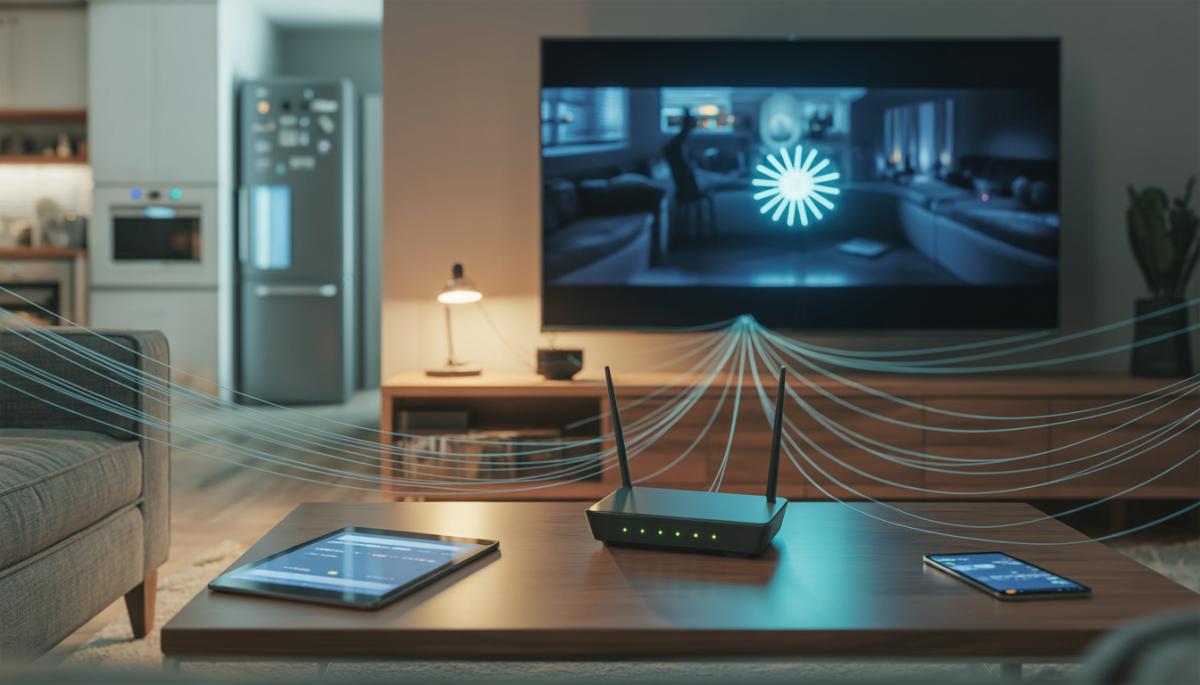
Do you have enough bandwidth for your needs?
To know where you stand, it's helpful to recall what different video qualities actually demand from your network. Basic SD resolution video requires about 5 Mbps; for Full HD, you need a stable 10 to 15 Mbps. For smooth 4K, your line should allocate at least 25 to 35 Mbps for each such device.
When evaluating your speed test results, don't just account for one film, but also add a buffer for other household members and all connected electronics. If you find that your actual speed doesn't consistently meet these totals, it may be time to upgrade your plan. No router tweaking will help if insufficient data is entering your network from outside for all active devices.
First aid that surprisingly often works
Even if you believe the issue is with the settings, the solution can sometimes be simpler. Network devices are essentially small computers, often running for months without being turned off in many homes. If you're facing video stutter despite a fast line, the fix might be as straightforward as most other tech issues—restart the hardware.
Try simply unplugging your router for a minute and then plug it back in. You'll be surprised how often this basic step immediately resolves stability issues. Restarting terminates frozen processes and clears the device's system memory, allowing it to function at full capacity again.
Frequently Asked Questions
Why does video lag even when my speed test shows high speed?
High speed at the entry point to the home doesn't mean the same capacity reaches your device. A congested Wi-Fi, too many connected devices, or background processes "stealing" data are often the problem.
What's the difference between slow internet and buffering?
Slow internet is the state of the line. Buffering (caching) is a process where the device tries to compensate for internet fluctuations. If the video stops, it means the cache emptied because data is flowing more slowly than the device consumes it.
Will switching to a cable connection give me more stable streaming than Wi-Fi?
Yes, definitely. A cable connection eliminates interference from surrounding networks and signal fluctuations common with Wi-Fi. If your 4K video on TV lags, linking via cable is one of the most effective solutions.
How many devices can stream on one network simultaneously?
It depends on your plan. If you have, for example, 50 Mbps, you can theoretically watch one 4K stream (about 30 Mbps) and one Full HD (about 10–15 Mbps). Once more devices connect, the capacity is exhausted, and the video starts to lag.
Could an old router be the reason for video lag?
It is possible. Older routers cannot handle multiple modern devices simultaneously and have lower data throughput. If you have a 200 Mbps plan but an old router, it might be the "narrow bottleneck" hindering smooth playback.
WPA, WPA2, WPA3: Which Wi-Fi security should you use today?

WPA, WPA2, WPA3, AES or TKIP? Wi-Fi security settings might initially seem unnecessarily complicated. However, when you understand what each abbreviation stands for, it becomes fairly simple. Therefore, we'll explain the differences between them and which is the best choice today. We'll also suggest what settings to choose if you have older devices at home that don't support the latest standard.
Is incognito mode really anonymous? Who still sees what you're doing

Do you think incognito mode hides you from everyone on the internet? In reality, it works a bit differently. We explain what it actually does, when it's sensible to use it, who can still see your activity, and whether history can be traced in incognito mode.
Why Does AI Hallucinate? A Peek Under the Hood of Language Models

AI can answer almost any question in just a few seconds. However, sometimes it confidently states information that is not true. Why does this happen and what are so-called AI hallucinations? In this article, we'll explain how large language models work, why they sometimes create false answers and how developers are gradually trying to mitigate this issue.
What is a CDN and why is internet content copied worldwide

Behind every loaded video, photo, or webpage is a technology called CDN. It is used by streaming services, social networks, and regular websites, yet many people have never heard of it. In this article, we will explain what this abbreviation means, how it works, why internet content is stored in various locations around the world, and why today's internet can hardly do without it.
Who will inherit your photos, emails and accounts? Digital legacy is rarely addressed

When talking about inheritance, most people think of a house, a car or money in the account. Yet we also leave behind thousands of photos, emails, social media accounts or data stored in the cloud. What happens to them after death, and who will gain access to them? This article looks at how digital legacy works, why the bereaved may have problems with data, and how to get organized in your online footprint today.
Where does the internet really flow? Hair-thin fibers connecting continents

The idea that the internet flows mainly through the air is a myth. The entire technological world relies on heavy hardware buried in the sand of the seas. In the article, we will examine the technology of submarine cables. You will learn how optical fibers work, what laying them from ships entails, and how the depths of the oceans have become a geopolitical battlefield.