 ▾
▾Network cable: How to choose it? And when is it better than Wi-Fi?
Are you deciding between Wi-Fi and a network cable? Our article will help you find out when Ethernet is the better choice. You'll learn how to choose the right cable and how to connect and maintain it. Whether you're gaming, streaming 4K videos, or working with large files, our article will help you find the best solution.
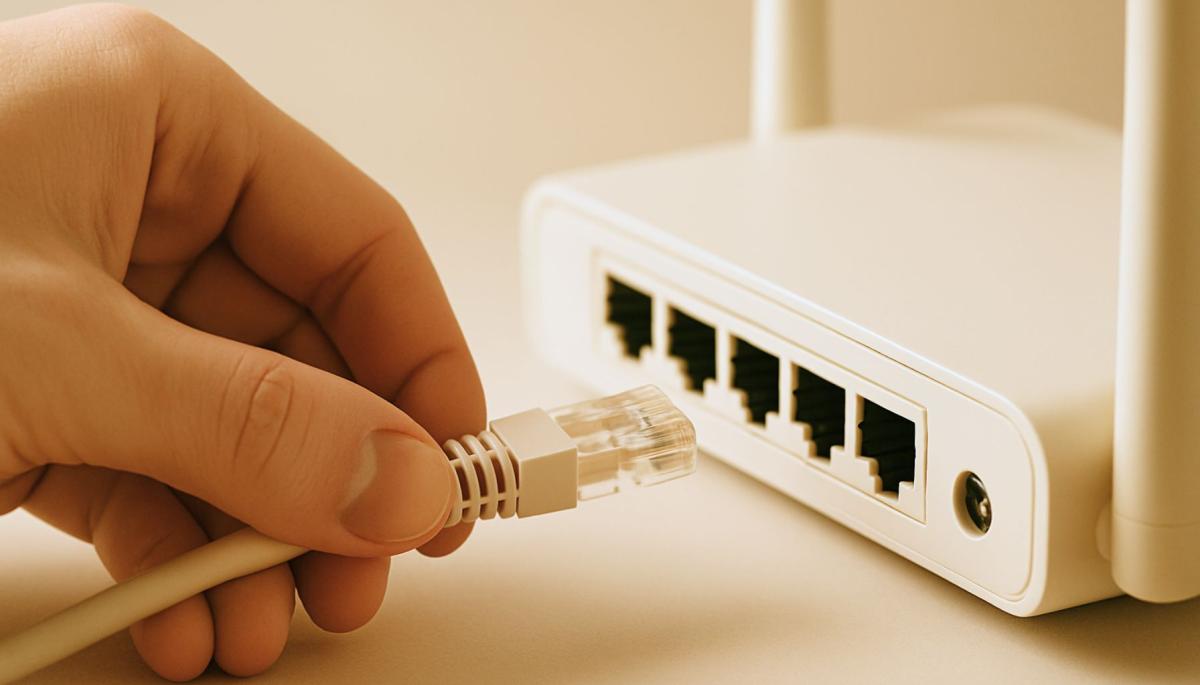
When distributing an internet connection throughout a household, most people face the burning question: Can I get by with Wi-Fi, or do I need network cables? Users are divided into two camps – those who are satisfied with wireless connection and those who can't go without cables. But what is the real situation? Below we will analyze when cable connection is more advantageous than Wi-Fi and how to choose the right cable for your needs. Let's get into it.
Why even consider a network cable?
Wi-Fi is great for its flexibility; you can connect from anywhere within signal range, whether it's a mobile, laptop, or smart TV. Nevertheless, cable connection has several advantages that Wi-Fi cannot surpass.
Connection stability
A network cable is not affected by interference from other devices, walls, or neighboring Wi-Fi networks. This means consistent speed and minimal outages.
Higher speed
While modern Wi-Fi standards (such as Wi-Fi 6) achieve impressive speeds, Ethernet cables often offer higher maximum speeds, especially with gigabit connections.
Lower latency
For online gaming, video calls, or working with cloud applications, low latency is crucial. Cable connection usually has much lower latency than Wi-Fi.
Security
Cable connection is less prone to data interception, as an attacker must have physical access to it.
If you're looking for reliability and performance, a network cable is often a better choice. But how to use it correctly and when is it really necessary? Let's look at it step by step.
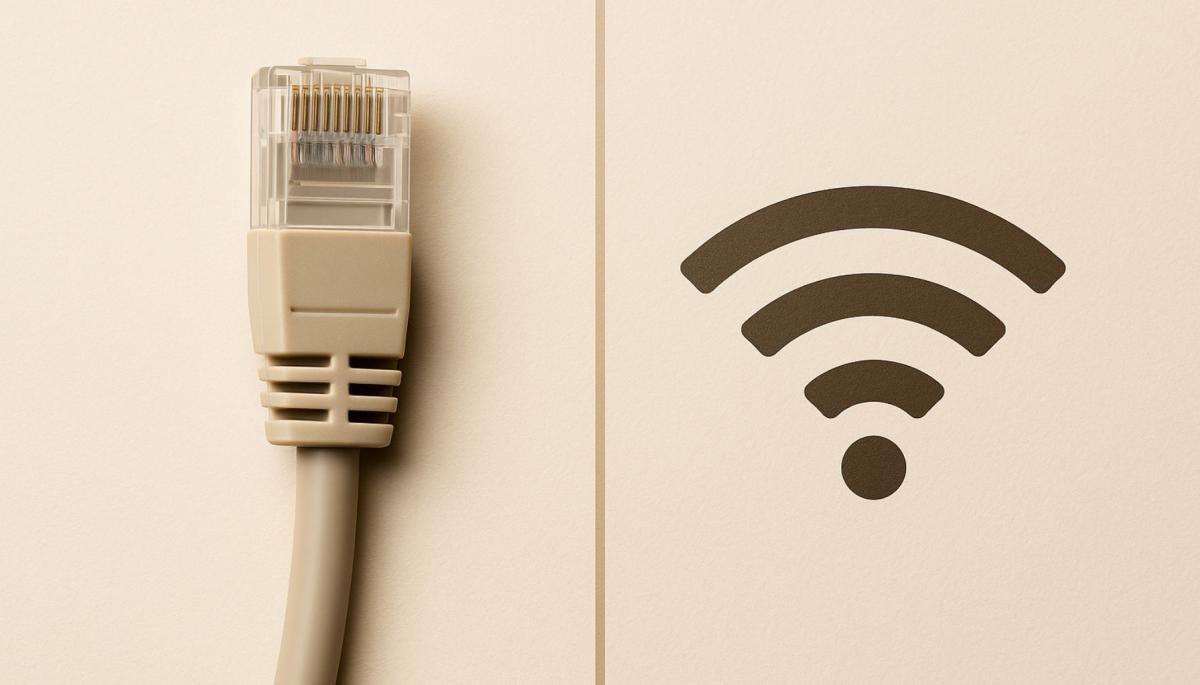
When is cable connection better than Wi-Fi?
Not every situation requires Ethernet, but there are scenarios where the cable clearly wins.
-
Online gaming
If you're a passionate gamer, you probably know the feeling when lag or a connection drop costs you a victory. A network cable ensures stable connection with low latency, which is crucial for gaming. For example, in games like Counter-Strike or League of Legends, even a few milliseconds of delay can mean the difference between winning and losing.
-
Streaming and transferring large files
Do you stream 4K videos, upload content to YouTube, or transfer large files over the network? Cable connection ensures that data flows smoothly without interruption. Wi-Fi can be unstable, especially if the network is overloaded with multiple devices.
-
Working from home and video calls
For video calls via Zoom, Microsoft Teams, or other platforms, connection stability is essential. A network cable eliminates the risk of outages, which will be appreciated not only by you but also by your colleagues. Moreover, if you work with cloud applications, such as graphic editors or CRM systems, the speed and stability of the cable will significantly improve your work experience.
-
Home servers and NAS
If you have a NAS (Network Attached Storage) or a server for file sharing at home, cable connection is almost a necessity. Transferring large volumes of data, such as backups or streaming movies, is faster and more reliable with Ethernet.
-
Interference environments
Do you live in an apartment building surrounded by dozens of Wi-Fi networks? Or do you have a lot of electronic devices at home that can interfere with the signal? A network cable will free you from these problems, as it is not dependent on radio waves.
How to choose the right network cable
Not all network cables are the same. To ensure your connection operates optimally, you need to choose the right type of cable according to your needs. You should focus primarily on the cable category, its length, and shielding quality.
Cable category
Network cables are divided into categories (referred to as Cat), which determine their maximum speed and frequency.
Here's a brief overview:
- Cat5e – Supports speeds up to 1 Gbps at 100 MHz frequency. Suitable for common home use but is slowly becoming outdated.
- Cat6 – Handles speeds up to 10 Gbps over shorter distances (up to 55 meters) at 250 MHz frequency. A good choice for most modern networks.
- Cat6a – An enhanced version of Cat6, supports 10 Gbps even over longer distances (up to 100 meters) at 500 MHz frequency.
- Cat7 and higher – Designed for professional use, supporting speeds up to 40 Gbps and higher frequencies. Usually unnecessarily expensive for homes.
TIP: For most households and small offices, Cat6 is an ideal choice – offering a great price-performance ratio.
Shielding
Network cables can be shielded (STP) or unshielded (UTP). Shielding protects the cable from electromagnetic interference, which is useful in environments with many electronic devices. However, if you route the cable in a regular home environment, UTP is usually sufficient.
Cable length
Cable length affects signal quality. The standard maximum length for Ethernet is 100 meters, but shorter cables are better for optimal performance if possible. A too long cable can cause signal loss, especially in higher categories.
How to correctly connect and maintain a network cable
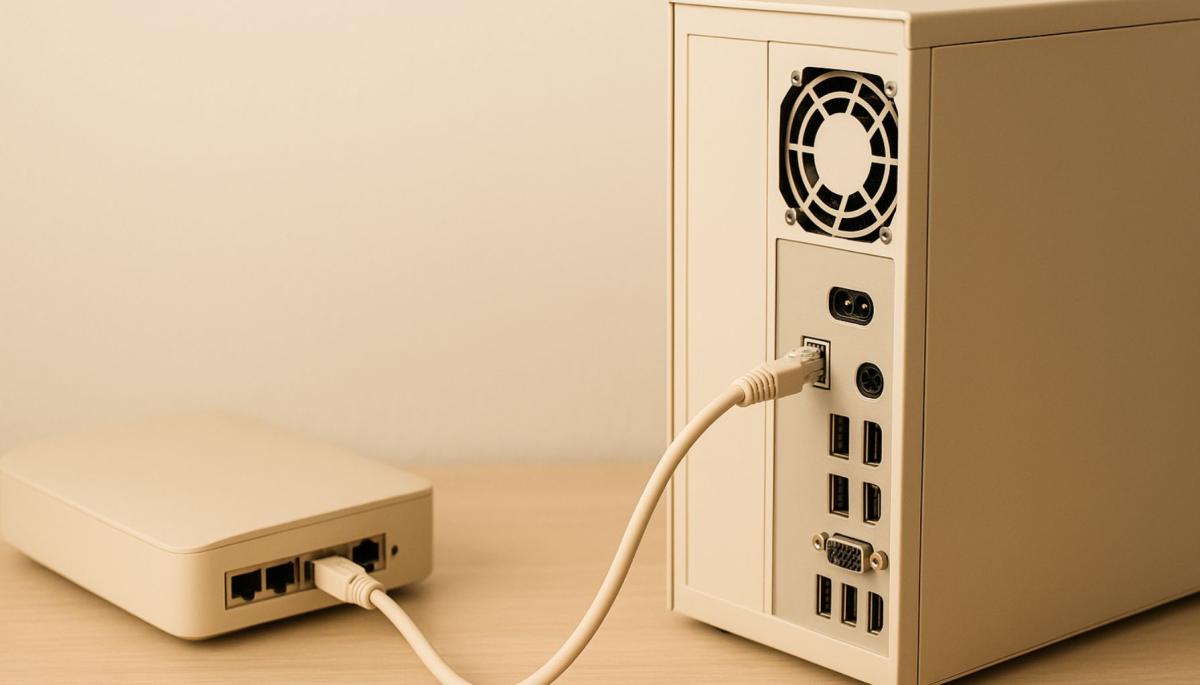
Connecting a network cable is simple, but it's still important to ensure it operates correctly. When connecting, make sure the cable is firmly inserted into the port on both the router and the device, such as a computer or gaming console.
Most RJ45 connectors will click when properly connected, accompanied by an audible click. A loose connector can cause connection dropouts. It's also important to protect the cable from damage. Avoid excessive bending, stepping on the cable, or placing it in locations where it could be pinched by furniture.
A damaged cable not only worsens connection quality but can also cause complete outages. To keep things tidy, especially if you use multiple cables, use organizers or cable channels. This prevents tangling and makes maintenance or replacement easier.
Don't forget to check the condition of the cables. Occasionally check if the cables show signs of wear, such as a damaged sheath or a loose connector. Timely replacement of a problematic cable can save you a lot of trouble.
Wi-Fi vs. network cable – what to choose?
Wi-Fi and Ethernet are not in direct competition – they complement each other. Wi-Fi is great for mobile devices and situations where you need flexibility. A network cable is ideal for devices that require maximum performance and stability, such as desktop computers, gaming consoles, or Smart TVs.
If you want to create the ideal home network, a combination of both technologies is the best way. For example, you can use Wi-Fi for phones and tablets, while connecting the computer and TV with a cable. Thus, you get the best of both worlds.
Is blue light really a problem? The answer isn't so simple

The topic of blue light has led to many simplifications and unnecessary fears. Blue light exposure before sleep is often discussed, but its impact is not limited to just sleep. Let's put things in context, separate facts from myths, and see when it makes sense to address its effects and when it is more about excessive concern.
Are you chatting with a human or a bot? How to identify AI in chat

Online chats are often handled by artificial intelligence today, and at first glance, the responses appear to be from a real person. This is especially true for customer support, where speed and fluency are key. We'll look at how to identify AI in chat, what signs you can use to distinguish it from a human, and where the line of recognition becomes very thin.
What is ransomware and why does it no longer threaten only large companies?

Ransomware attacks are among the most common cyber threats today and are no longer just a concern for large companies. Just one careless click can cost you access to your data. We'll explain what ransomware is, how it works, and why attackers are increasingly targeting average users and smaller businesses.
How zero trust works: why mere connectivity no longer means safety

Connecting to the internet today is not just a matter of speed but also of trust. Networks handle more and more devices, sensitive data, and services that communicate almost constantly. This is why an approach called zero trust has emerged, where nothing is automatically considered safe. The article explains why this model was created and how it subtly influences everyday internet functioning.
10 reasons why your phone is drained sooner than expected

It happens that the battery life decreases faster than one would expect, even when the device is not particularly stressed during the day. Often, it's not a single specific error but a sum of small influences that gradually accumulate. This article explains what has the greatest impact on battery life, when idle draining occurs, and why this can turn into an issue causing the phone not to last even one day.
Wi-Fi on a plane? Yes, but it works differently than at home
Connecting to the internet during a flight is no longer an exception, but it still doesn't work as you're used to at home. In-flight Wi-Fi depends on the technology used, the type of aircraft, and network congestion, and paying for access doesn't always mean fast connection. In this article, we'll explain how in-flight internet works, why it can be slow, and when you can rely on it.