 ▾
▾NAS systems: how to effectively manage large volumes of data?
The vast amount of data can be a challenge, but NAS systems offer a solution for both homes and small businesses. Central storage, automatic backups, data sharing, and multimedia features—all in one device. How to choose the right NAS, set it up, and utilize its potential? Our article guides you through everything you need to know to keep your data safe.
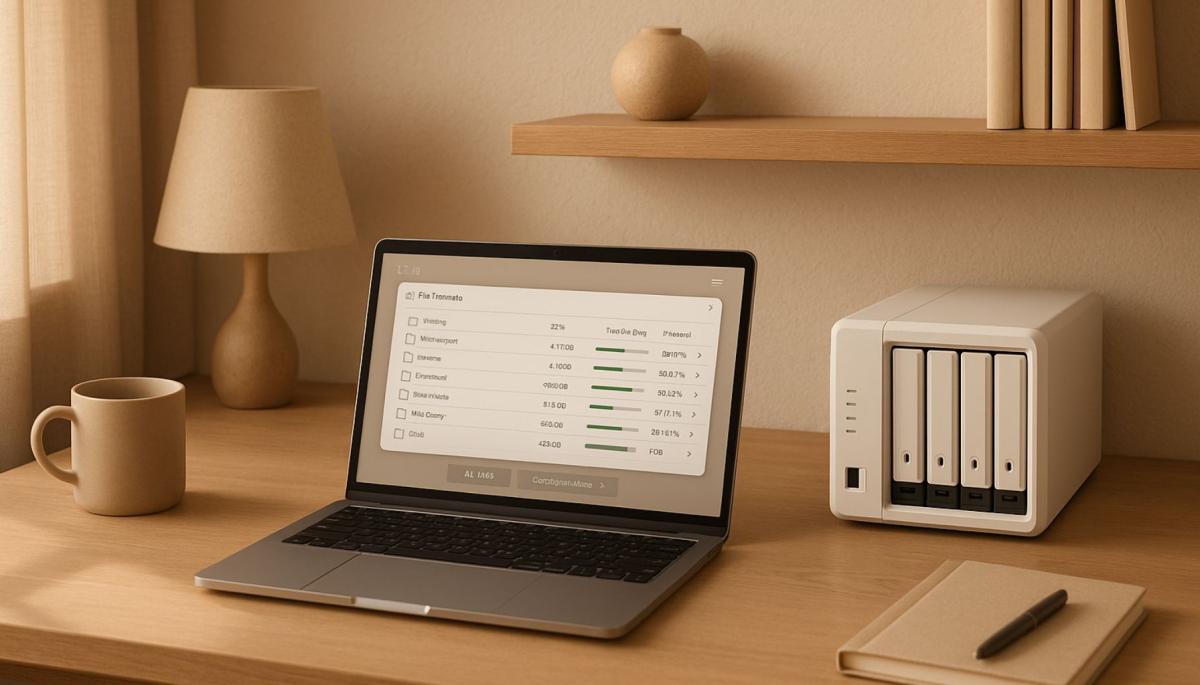
Data is growing faster than we can imagine. Vacation photos, work documents, videos, backups—and suddenly you realize that your computer or external drive just can't keep up. The solution might be NAS—a network-attached storage that is accessible and easy to use. Let's look at what NAS systems offer, how they work, and why they might be the right helper for you.
What is NAS and why shouldn't you overlook it?
NAS, or Network-Attached Storage, is essentially a specialized device connected to your network that serves as a central data storage. Think of it as a private cloud that you have full control over, running at your home or office.
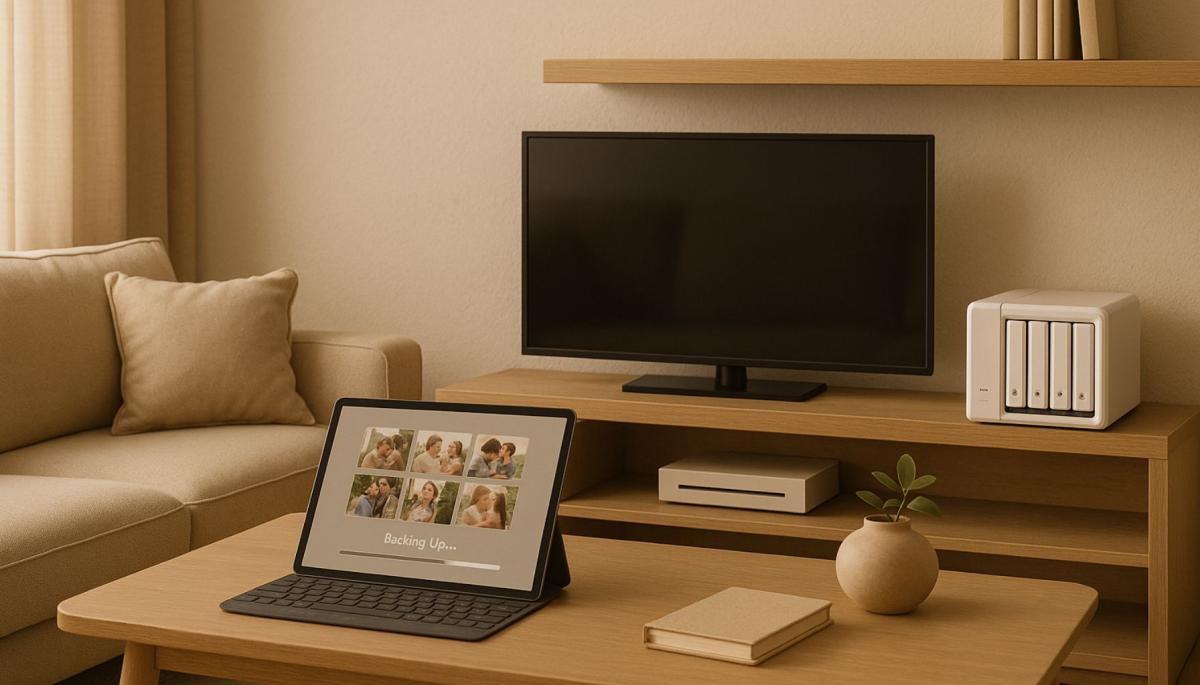
Unlike an external drive that you connect to a single computer, NAS is accessible from any device on your network—whether it's a computer, tablet, or smart TV.
NAS not only stores data but also allows sharing, backing up, streaming media, or even hosting simple applications. Households use it for storing family photos, movies, or games. On the other hand, for small businesses, it represents an affordable way to ensure the secure storage of business documents, databases, or email communication.
What benefits does NAS offer
NAS systems are not just about storing data—they're about managing and utilizing data effectively.
Here are a few reasons why you should consider NAS as an alternative:
- Central storage – Instead of scattered files on different devices, you have everything in one place.
- Automatic backup – NAS systems support automatic backups, so you don't have to worry about losing important data due to disk failure or unfortunate accidents.
- Sharing and collaboration – You can share home videos with family or allow a team at the office to work on the same documents.
- High security – Modern NAS systems offer data encryption, user permissions, and advanced features like RAID, protecting your data from loss.
- Multimedia functions – Have a movie or music collection at home? NAS can serve as a home media server, streaming content directly to your TV or mobile.
- Scalability – Need more space? No problem—most NAS devices allow adding more drives or expanding capacity.
How does NAS work in practice?
Imagine NAS as a small but smart server. It contains one or more hard drives, a processor, memory, and an operating system optimized for data management. You connect it to a router, set it up through a web interface (don't worry, the process is usually intuitive), and you can start.
Data is stored on the drives, which can be configured in various RAID modes for higher security or performance. For households, a typical example is using NAS as storage for photos and videos. Additionally, you can set up automatic backups from your phone, so every new photo is immediately saved to the NAS.
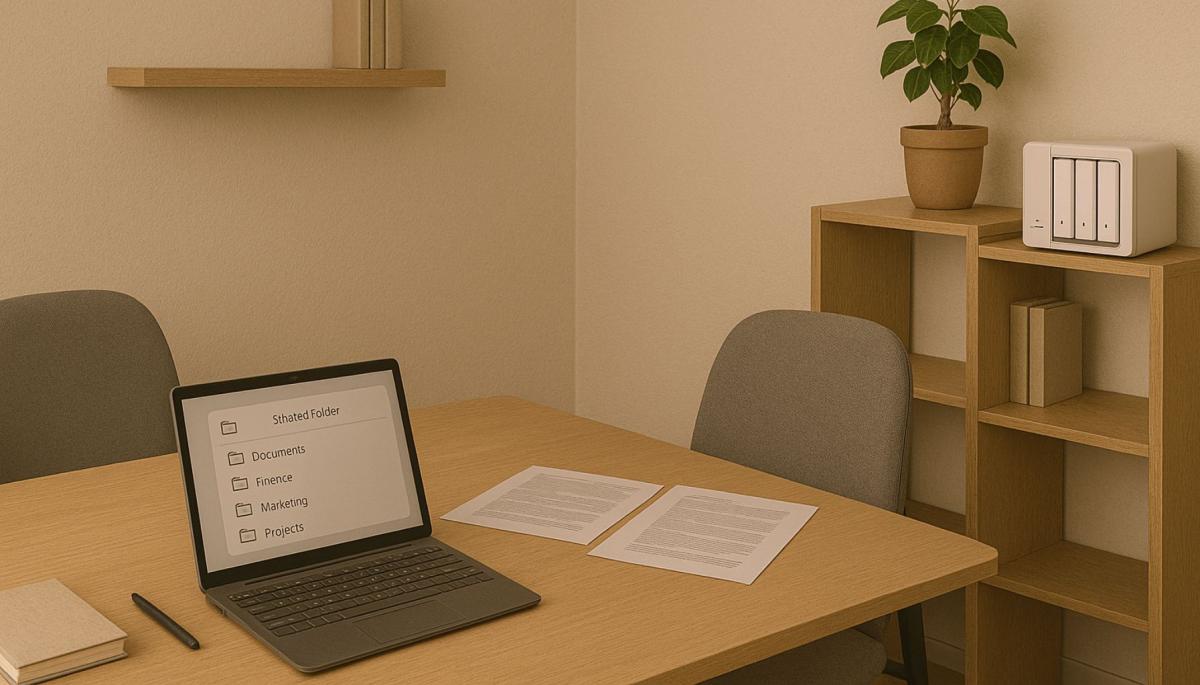
For small businesses, NAS is a great tool for centralized data management. Imagine you have a team of five people who need access to project documents. NAS allows creating shared folders with different access levels—the boss sees everything, while the intern only sees what is needed. Another advantage is that even if someone accidentally deletes an important file, it can be easily recovered.
Choosing the right NAS: what to look out for?
Selecting the right NAS doesn't have to be complicated if you know what to focus on. Below we have written a short guide to help you decide.
Number of drives
For households, a NAS with one or two drives is often enough, providing sufficient space for photos, videos, or backups. For businesses, models with at least four bays are better—they offer larger capacity and allow more advanced configurations for data protection.
RAID configuration
RAID protects your data from loss if a disk fails. For households, RAID 1, which mirrors data on two drives, is ideal. Businesses should consider RAID 5 or 6, which combine security with efficient use of capacity.
Performance
If you plan to stream 4K videos or work with large files, choose a NAS with a more powerful processor and more memory. For regular home use, basic models suffice, but businesses will appreciate faster hardware.
Software
The heart of NAS is the software, which should be of high quality. Brands like Synology (with DSM) or QNAP offer intuitive interfaces and applications for backup, sharing, or media management. Choose a system that is user-friendly and regularly updated.
Expandability
Data grows, and your NAS should grow with it. Check if the model allows adding more drives or expanding capacity so you don't have to buy a new device in a few years.
Price
Basic NAS for households can be bought for 5 to 10 thousand Czech crowns (without drives). Business models start around 15 thousand and can be more expensive depending on features. Remember that drives make up a significant part of the investment, so plan the budget carefully.
Tips for effective data management on NAS
NAS is a great tool, but to serve you best, it needs to be set up and used correctly. Here are some practical tips:
- Organize data – Create a logical folder structure, such as "Photos," "Work," "Backups." It will save you time when searching for files.
- Set automatic backups – Most NAS systems support tools like Time Machine (for Mac) or their own backup applications. Plan regular backups to minimize the risk of data loss.
- Use encryption – If you're storing sensitive data, enable encryption of folders or drives. Modern NAS handle this without significant performance impact.
- Monitor disk health – Technologies like SMART (Self-Monitoring, Analysis, and Reporting Technology) alert you to potential disk problems before they fail.
- Regularly update software – NAS manufacturers release regular updates that improve security and add new features. Don't ignore them.
- Remote access – If you want to access data from anywhere, set up secure remote access via VPN or proprietary services like Synology QuickConnect.
NAS vs. cloud: which is better?
Cloud storage like Google Drive or Dropbox is great but has its limitations. With NAS, you have full control over your data, don't have to pay monthly fees, and data remains at your home or office, which is a plus in terms of security and privacy. On the other hand, the cloud might be easier to use and doesn't require an initial investment.
The ideal solution? A combination of both. You can use NAS as primary storage and set up backup to the cloud in case of physical damage to the device (for example, fire or theft).
Managing large volumes of data doesn't have to be stressful. NAS systems offer a simple and secure solution suitable for both households and small businesses. If you're unsure, start small—a basic model with one or two drives won't ruin you and will show you how much NAS can change your approach to data. And who knows, in a few months, you might be wondering how you ever managed without it.
Are you chatting with a human or a bot? How to identify AI in chat

Online chats are often handled by artificial intelligence today, and at first glance, the responses appear to be from a real person. This is especially true for customer support, where speed and fluency are key. We'll look at how to identify AI in chat, what signs you can use to distinguish it from a human, and where the line of recognition becomes very thin.
What is ransomware and why does it no longer threaten only large companies?
Ransomware attacks are among the most common cyber threats today and are no longer just a concern for large companies. Just one careless click can cost you access to your data. We'll explain what ransomware is, how it works, and why attackers are increasingly targeting average users and smaller businesses.
How zero trust works: why mere connectivity no longer means safety

Connecting to the internet today is not just a matter of speed but also of trust. Networks handle more and more devices, sensitive data, and services that communicate almost constantly. This is why an approach called zero trust has emerged, where nothing is automatically considered safe. The article explains why this model was created and how it subtly influences everyday internet functioning.
10 reasons why your phone is drained sooner than expected

It happens that the battery life decreases faster than one would expect, even when the device is not particularly stressed during the day. Often, it's not a single specific error but a sum of small influences that gradually accumulate. This article explains what has the greatest impact on battery life, when idle draining occurs, and why this can turn into an issue causing the phone not to last even one day.
Wi-Fi on a plane? Yes, but it works differently than at home

Connecting to the internet during a flight is no longer an exception, but it still doesn't work as you're used to at home. In-flight Wi-Fi depends on the technology used, the type of aircraft, and network congestion, and paying for access doesn't always mean fast connection. In this article, we'll explain how in-flight internet works, why it can be slow, and when you can rely on it.
RCS messages: what they are, how they work, and when it's better to turn them off

RCS chat is appearing more frequently in mobile devices, especially with the arrival of iOS 18 and the gradual phasing out of older networks. It is a method of communication that uses the internet, offering higher quality sharing of photos and videos than traditional SMS. We'll explain what RCS means and when it makes sense to keep it enabled.