 ▾
▾10 reasons why your phone is drained sooner than expected
It happens that the battery life decreases faster than one would expect, even when the device is not particularly stressed during the day. Often, it's not a single specific error but a sum of small influences that gradually accumulate. This article explains what has the greatest impact on battery life, when idle draining occurs, and why this can turn into an issue causing the phone not to last even one day.
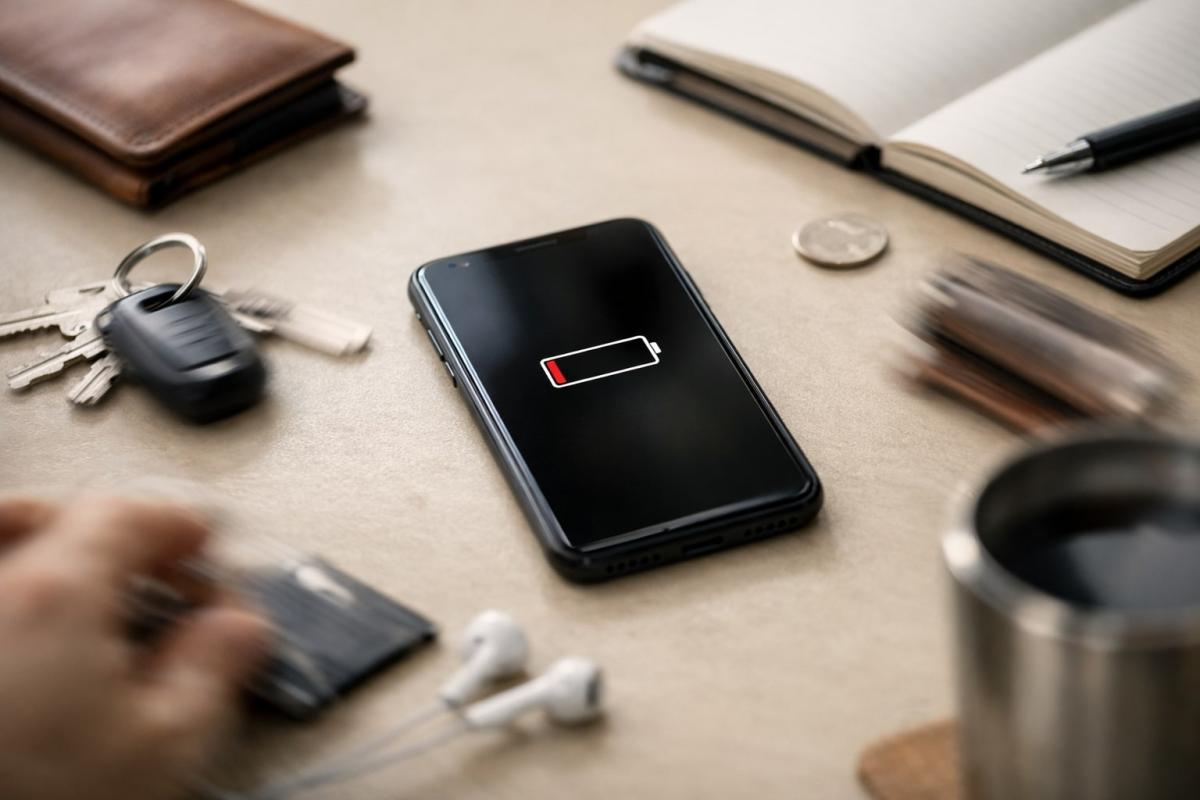
Almost everyone deals with battery life today. Not necessarily because they use the phone significantly more than before but because it often doesn't last as long as expected. The day passes relatively calmly, with no games or long video watching, yet in the evening, a low battery warning pops up. At this point, one starts thinking about what exactly drained the energy.
When the phone is quickly drained, it's usually not due to one specific thing that can be easily turned off or changed. The battery life is influenced by many small factors that are interconnected and gradually accumulate. That's why we've compiled 10 reasons that most commonly contribute to this outcome.
1. The screen stays lit longer than you think
The display has a greater impact on battery life than most people realize. We often light up the phone for just a moment, glance at messages or notifications, and put it away again. However, these brief glances accumulate throughout the day, gradually eating away at the battery.
It's not just about brightness but mainly about how long the screen stays on after each unlock. When it stays lit unnecessarily long and everything runs at maximum, energy dissipates even when you feel like you're barely using the phone. The result can be a quickly drained phone even before the end of the day.
2. The phone works even when you’re not using it
The fact that the phone is off and lying on the table doesn't mean nothing is happening. Various processes run in the background, most of which we are unaware of. Checks, synchronizations, minor updates. Each of these takes a small piece of energy, not significant on its own.
This is often where idle battery draining occurs. The phone appears to be resting, yet it’s constantly engaged in behind-the-scenes activities.
3. Every notification makes a small dent in the battery
We take notifications for granted. Messages, emails, or an app reminding us of its presence. The phone lights up, vibrates, and goes back to sleep.
Each notification means a brief system activity. The display lights up, the phone responds, and then sleeps again. Frequent notifications mean the phone never truly rests.
4. Video and content that keeps the phone perpetually active
A short video, a social media post, or auto-play content. At these moments, the phone isn't merely running passively. The screen stays on, data is transmitted, and the system works to maintain smooth playback.
With such content, rapid mobile draining can easily occur, even without lengthy usage or demanding apps. Videos follow in sequence, the screen remains active, and the phone works continuously.
5. Extra performance that you don’t really need
Modern phones are built for high performance. They are designed to handle games, videos, multitasking, and quick responses without lag. However, this same performance often remains active even during basic usage. Smooth animations, high refresh rates of the display, or maximum processor performance continue, even when you're just reading messages or browsing a few pages.
Energy consumption then grows subtly without an evident moment that would alert you to the problem. The phone behaves as if it's always ready to deliver top performance, even when there’s no need for it.
6. Location and navigation as hidden reasons for idle battery draining
Location services are enabled by almost everyone today. Maps, weather, social networks, or various assistant apps monitor location regularly, often even when they're not actively used. The phone regularly determines its location and processes these details.
Everything proceeds quietly in the background. Without notifications and without any visible signal that something extra is happening. Location is simply checked repeatedly throughout the day, consuming energy even when you believe your phone is just sitting idly in your pocket or on the table.
7. Signal that the phone continuously seeks
The phone is designed to be as connected as possible. When signal quality diminishes, it starts actively reacting. It searches available networks, switches between them, and adjusts antenna performance to maintain the connection. This happens automatically.
This typically occurs when moving. Traveling by train, driving a car, moving between buildings, or being in areas with weaker coverage. At such times, the phone doesn’t go idle, but conversely works more intensively, even when you’re not actively using it.
8. The phone's home screen isn't just a visual affair
What you see on the home screen isn't just a matter of taste. Each widget, animation, or live wallpaper means something is regularly updating and checking. The weather downloads new data, calendars synchronize, apps watch for changes. All this functions automatically, without the need to even pick up the phone.
The more such elements you have on your home screen, the more frequently the phone "makes its presence known." Invisibly, without notifications, but repeatedly throughout the day. The result isn’t one big leap but rather a series of small activities that subtly interlink, transforming the home screen into something more than just a static introductory view.
9. The environment where you use your phone
Battery life is also affected by where the phone is usually located. Cold, heat, or rapid temperature changes can strain the battery. In winter, performance decreases, and in heat, the device tries to protect itself by limiting certain processes. Both happen automatically without the phone explicitly alerting you.
Long-term exposure to adverse conditions functions similarly. A phone that spends much time in an overheated car, in direct sunlight, or freezing weather behaves differently from another one in a stable environment.
10. When it’s not about settings anymore but battery condition
It's not always possible to find the cause only in what’s enabled or disabled. Batteries have a lifespan; with each cycle, their capacity to hold energy gradually decreases. The phone may function just as before, yet its battery life no longer matches what you were used to.
A typical signal is a situation where a drained phone appears even with ordinary use, without obvious load or change of habits. Charging takes longer, percentages drop faster, and a daily routine that previously worked without issue suddenly isn’t enough.
How to identify what specifically drains your phone
The first step is to stop guessing and look at real data. In the phone’s settings, there is an overview of consumption that shows what takes the most energy during the day. It’s not about focusing on a single number or item but understanding the context. What appears repeatedly, what runs continuously, and what drains power even when the phone is not actively used.
It makes sense to monitor the phone on a typical day. Not while navigating for an hour or watching videos but when the usage corresponds to everyday routine. If a drained phone appears even on such days, it signals that some consumption occurs subtly in the background.
A simple comparison can also help. One day keep everything as usual, another day consciously limit certain things, like the number of notifications or apps running in the background.
When it makes sense to look for a new phone
There are situations when no further adjustments help. You've gone through settings, limited apps, habits are the same as before, and yet the battery life doesn't improve. In such a case, it’s no longer about small background details but the device's condition itself.
If a drained phone keeps appearing during regular usage without apparent load, it’s time to consider whether further solutions are even worthwhile. Sometimes replacing the battery helps; other times, it’s more practical to accept the device has limits and look for an entirely new model.
Phone instead of a card or key. What is NFC and how does it work?

Just hold your phone up to a terminal and within moments the payment is made. However, NFC technology is capable of much more. We will explain what NFC is and how it works, what actually happens during NFC mobile payments, what else you can use it for, and how secure it is. We will also show what NFC tags are and how they can simplify some daily tasks.
What would happen if the internet went down for a day?

What if there was a full-day internet outage? An immediate collapse of society wouldn't occur, but daily operations would quickly become complicated because today's world is more dependent on the internet than we often realize. Which services would stop functioning first, and what would happen with payments, transportation, or work?
WPA, WPA2, WPA3: Which Wi-Fi security should you use today?

WPA, WPA2, WPA3, AES or TKIP? Wi-Fi security settings might initially seem unnecessarily complicated. However, when you understand what each abbreviation stands for, it becomes fairly simple. Therefore, we'll explain the differences between them and which is the best choice today. We'll also suggest what settings to choose if you have older devices at home that don't support the latest standard.
Is incognito mode really anonymous? Who still sees what you're doing

Do you think incognito mode hides you from everyone on the internet? In reality, it works a bit differently. We explain what it actually does, when it's sensible to use it, who can still see your activity, and whether history can be traced in incognito mode.
Why Does AI Hallucinate? A Peek Under the Hood of Language Models

AI can answer almost any question in just a few seconds. However, sometimes it confidently states information that is not true. Why does this happen and what are so-called AI hallucinations? In this article, we'll explain how large language models work, why they sometimes create false answers and how developers are gradually trying to mitigate this issue.
What is a CDN and why is internet content copied worldwide

Behind every loaded video, photo, or webpage is a technology called CDN. It is used by streaming services, social networks, and regular websites, yet many people have never heard of it. In this article, we will explain what this abbreviation means, how it works, why internet content is stored in various locations around the world, and why today's internet can hardly do without it.