 ▾
▾What consumes the most data on mobile? YouTube, Spotify, Netflix and other apps under scrutiny
Mobile data usage can sometimes be unpleasantly surprising. The most are consumed by video streaming and music services – how much data does YouTube, Netflix or Spotify use? And what about other apps like social networks, maps or video calls? Check out the overview of the biggest data guzzlers and find out how to keep mobile data under control.
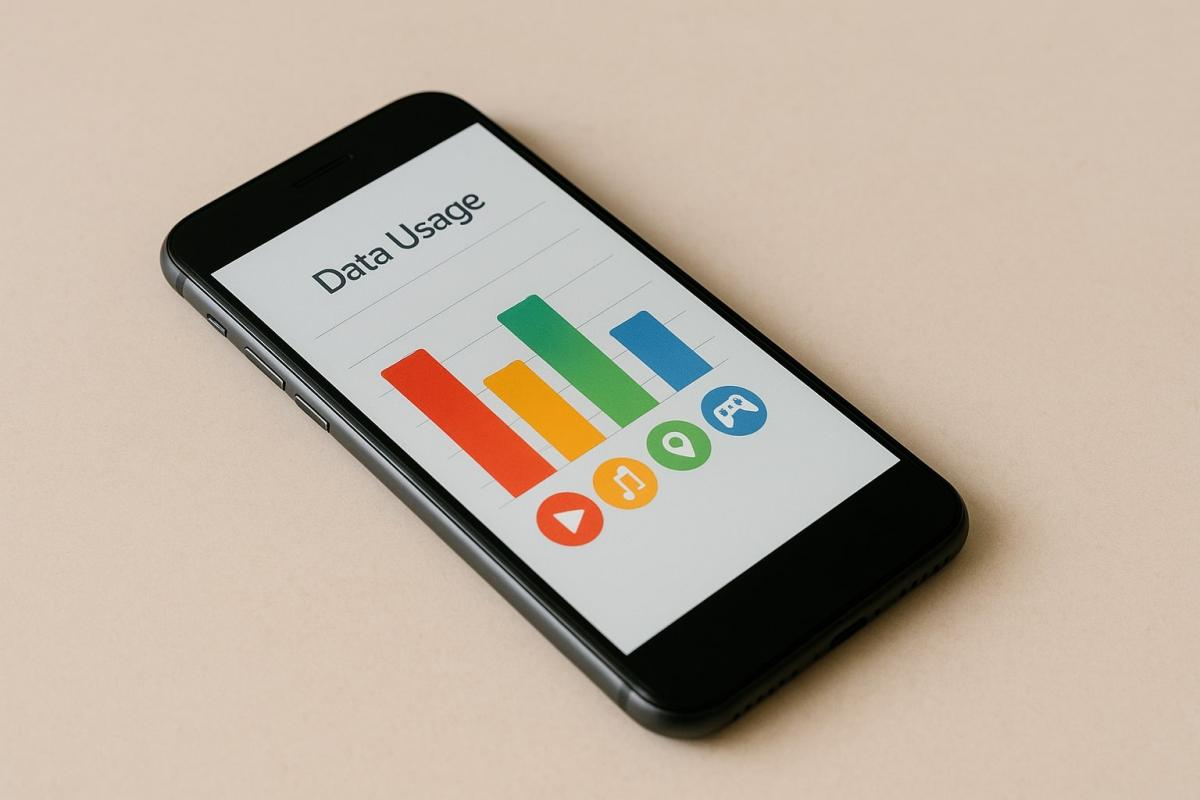
You might know it yourself. You watch a short video on your way to work in the morning, scroll through social networks several times during the day, and in the evening, you want to relax with your favorite series. At first glance, it doesn't seem dramatic, but suddenly you find out that barely a few percent of your monthly data plan is left. Mobile data consumption can indeed grow much faster than one would expect.
Each app takes a different share. While some manage to work fairly economically, others are among the big guzzlers and can deplete the entire package within a few hours of viewing or listening. Differences also lie in whether you are streaming video, music, using maps, or having a video call.
In the following overview, we will look at what consumes the most data, how much popular services like YouTube, Netflix or Spotify use, and how other apps we use every day are doing. You'll also find out how to better monitor consumption and avoid unpleasant surprises on your bill.Mobile data consumption: what risks you face if you underestimate it
Most of us take mobile internet for granted. It works continuously until your operator notifies you that your monthly data package is almost exhausted. People who don't monitor mobile data consumption in the long term can easily encounter several inconveniences.
One of the most common consequences is that after reaching your limit, the internet either slows down significantly, or your operator starts charging extra for each additional megabyte transferred. Equally unpleasant is when you run out of data just when you need essential services – navigation on the road, access to work emails, or the ability to make a video call. These are things that can quickly complicate a normal day.
Furthermore, app demands are continually growing. What was enough a few years ago with a few hundred megabytes now requires several gigabytes. Streaming platforms offer higher quality pictures and sound, social networks rely on videos, and therefore data consumption grows. It's worth being aware of how much each app consumes to adjust their usage accordingly.
What consumes the most data on mobile
While simple apps consume just a minimum, streaming services and social networks can surprisingly quickly deplete your data package.
How much data does YouTube consume
YouTube is one of the biggest data guzzlers because video is data-intensive. The amount consumed mainly depends on the image quality:
- Low resolution (360p) – around half a gigabyte per hour, which is still fairly economical.
- Standard (720p) – approximately 2 GB per hour, that's four times more than low quality.
- High (1080p) – anticipate roughly 3 GB per hour of watching.
- Highest (4K UHD) – here it really shows, an hour can consume over 15 GB.
- Automatic mode – the app adjusts quality based on connection speed, so results often vary even during a single video.
How much data does Netflix consume
At Netflix, data consumption varies depending on the selected resolution. The differences are significant:
- Low resolution (360p) – about 300 MB per hour, suitable only for economical watching.
- Standard (480p) – around 700 MB per hour.
- High (720p to 1080p) – expect approximately 3 GB per hour of movie or series.
- Highest (4K UHD) – it can go over 7 GB per hour.
- Automatic setting – quality adapts to the connection, so sometimes consumption stays low, other times it significantly rises.
How much data does Spotify consume
Music at first glance doesn't look like a big data guzzler, but the volumes quickly add up with everyday listening. The set audio quality mainly makes the difference:
- Normal quality – about 100 Kb/s.
- High quality – around 160 Kb/s.
- Highest quality – about 300 Kb/s.
- Automatic mode – the app switches based on connection, so the resulting mobile data consumption can vary song to song.
Practically, this means that in Spotify's default setting, a user uses about 2 MB of data on every two-minute song, which is roughly 60 MB per hour of listening.
Instagram, TikTok, Facebook
Social networks often account for what's consuming the most data. Not because we spend hours on them at a time, but because we open them many times a day, and the data is being consumed gradually without us noticing it. The main factor is how much time you spend on them and whether you are browsing mainly photos or watching videos:
- Instagram – approximately 720 MB per hour (feed, stories, reels).
- TikTok – about 840 MB per hour of continuous video scrolling.
- Facebook – around 100 MB per hour if you just browse posts. If you watch more videos, it can easily rise to half a gigabyte.
Facebook Messenger and WhatsApp
Chatting through these apps is virtually negligible for mobile data. They consume only about 5–10 MB per hour. This is really minimal compared to video platforms.
The situation is different for calls. Whether you're calling via WhatsApp or Messenger, consumption ranges roughly between 200 and 700 MB per hour. The main factors are the connection quality and whether it's a regular voice call or a video call.
Car navigation
Map apps like Google Maps or Waze are common travel assistants. If you use navigation in the car with only basic map display, consumption is quite low – around 5 to 10 MB per hour.
However, if you activate the satellite view, the demand significantly increases. In such cases, it is about 120 to 150 MB per hour.
Continuous traffic updates and traffic information mean only a minor load, usually around 1–2 MB per hour.
How to reduce mobile data consumption
If you want your monthly package to last longer, a few simple tricks are enough. The biggest differences are made by streaming services and social networks. That's where mobile data consumption is the highest.
- Lower video quality. With movies and series, the difference between 480p and 1080p is several gigabytes in an evening. So, how much data YouTube or Netflix uses is mainly determined by the resolution you choose.
- Lower music quality. If you don't need top-notch sound, lower settings can suffice. In Spotify, this can reduce consumption by, perhaps, half.
- Download content in advance. If you know you'll be on a train or without Wi-Fi, download your favorite playlists or series episodes in advance. Offline mode means zero load on mobile data.
- Use data saver mode. Many apps have a 'data saver' function, which limits loading of videos and large images. This is especially useful on social networks.
- Monitor statistics. Your phone provides an overview of which apps consume the most. You'll easily find out if the biggest load is video, music, or perhaps navigation.
You can keep mobile data consumption under control
Mobile internet is a great servant but can also be an unexpectedly expensive master. Just a few adjustments and more mindful usage, and you'll find even a small data package can suffice for everything essential. Try to find out how much data are consumed by your favorite apps so that your operator's bill never takes you by surprise again.
What would happen if the internet went down for a day?

What if there was a full-day internet outage? An immediate collapse of society wouldn't occur, but daily operations would quickly become complicated because today's world is more dependent on the internet than we often realize. Which services would stop functioning first, and what would happen with payments, transportation, or work?
WPA, WPA2, WPA3: Which Wi-Fi security should you use today?

WPA, WPA2, WPA3, AES or TKIP? Wi-Fi security settings might initially seem unnecessarily complicated. However, when you understand what each abbreviation stands for, it becomes fairly simple. Therefore, we'll explain the differences between them and which is the best choice today. We'll also suggest what settings to choose if you have older devices at home that don't support the latest standard.
Is incognito mode really anonymous? Who still sees what you're doing

Do you think incognito mode hides you from everyone on the internet? In reality, it works a bit differently. We explain what it actually does, when it's sensible to use it, who can still see your activity, and whether history can be traced in incognito mode.
Why Does AI Hallucinate? A Peek Under the Hood of Language Models

AI can answer almost any question in just a few seconds. However, sometimes it confidently states information that is not true. Why does this happen and what are so-called AI hallucinations? In this article, we'll explain how large language models work, why they sometimes create false answers and how developers are gradually trying to mitigate this issue.
What is a CDN and why is internet content copied worldwide

Behind every loaded video, photo, or webpage is a technology called CDN. It is used by streaming services, social networks, and regular websites, yet many people have never heard of it. In this article, we will explain what this abbreviation means, how it works, why internet content is stored in various locations around the world, and why today's internet can hardly do without it.
Who will inherit your photos, emails and accounts? Digital legacy is rarely addressed

When talking about inheritance, most people think of a house, a car or money in the account. Yet we also leave behind thousands of photos, emails, social media accounts or data stored in the cloud. What happens to them after death, and who will gain access to them? This article looks at how digital legacy works, why the bereaved may have problems with data, and how to get organized in your online footprint today.