 ▾
▾Smart Home: Assistant or Spy Under Your Roof?
With the increasing number of smart devices in households, security risks are also growing. Smart bulbs, doorbells, and fridges know more about us than our best friend. We'll show you how to enjoy the comfort of a smart home while maintaining your privacy.

The number of smart devices in households is growing – for example, in the USA, the average household owns about 13 devices. Some experts, however, point out that the smarter our homes become, the more vulnerable we become. Is a smart home an advantage or a needless burden? Let's take a look together.
What is the Internet of Things?
Imagine that all things around you – your fridge, TV, light bulbs, but also your car or even your flower pot – can 'talk.' Not in human language, but via the internet they send messages and information to each other. This is precisely what the Internet of Things, abbreviated as IoT, is.
According to current estimates, over 27 billion IoT devices were connected worldwide in 2024. These numbers are dramatically increasing each year, with analysts predicting that by 2030 the number of connected devices could exceed 75 billion.
It all sounds great and useful, right? But there's a catch – all these smart things collect a lot of information about us. They know when we're home, what we eat, how we sleep, who we talk to. And that's precisely what a significant portion of experts warns about.
What data do smart devices collect about us?
While you rub your eyes and stretch, your smart bracelet already knows how good your sleep was. It recorded your every move, measured your pulse, and evaluated whether you slept well or tossed and turned all night.
Your phone analyzes which news articles you read during breakfast and how long you linger on each of them. On your way to work, the navigation in your car tracks favorite routes, driving speed, and driving style. Does it sound like sci-fi? Unfortunately, it's not. This is the reality of today's world, where every step we take, every decision we make, and every routine leaves a digital footprint.
Most of this data is collected with good intentions – so technology can serve us better, predict our needs, and save us time and energy. But like every coin, this one has two sides. Imagine if someone had access to all this information.
They would know not only when you're home and when you're not, but also your daily schedule, who you meet, what interests you, and your habits. It's like having a silent observer constantly behind you, keeping a detailed diary about you.
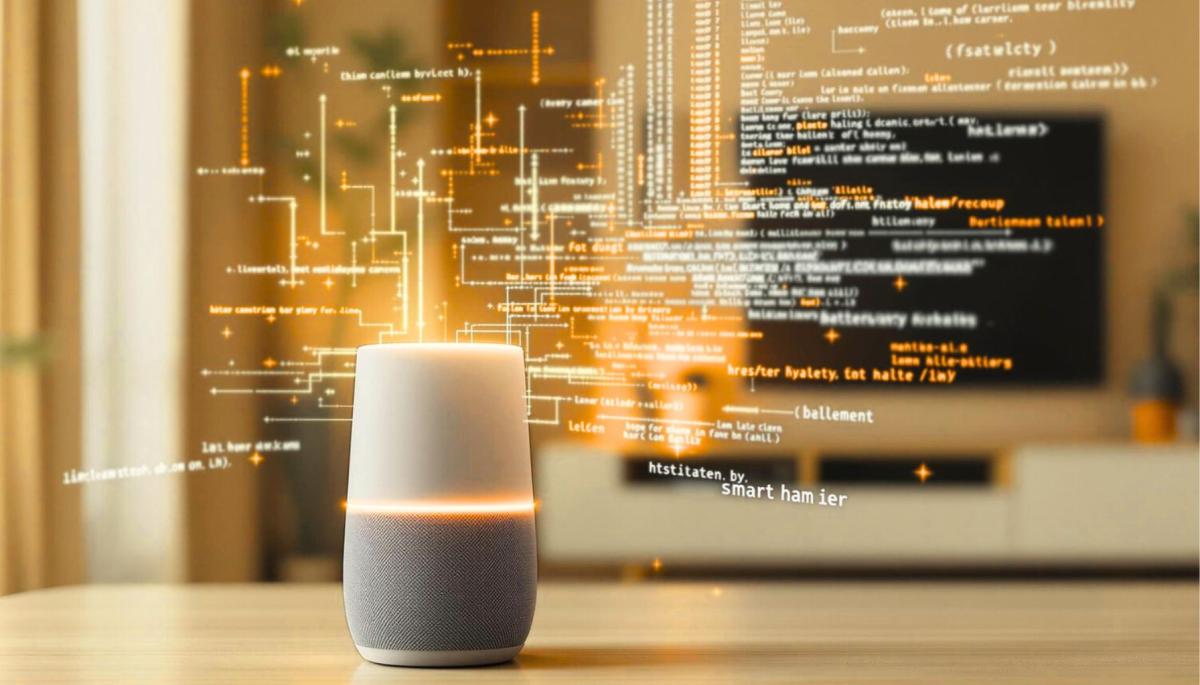
How to protect your privacy in the jungle of smart devices
The basis is realizing that not every device necessarily needs to be connected to the internet. It might be nice to have a smart bulb that turns on when you get home. But does your electric kettle really need to know when you make tea? And does your toothbrush need to send data about how long you brush your teeth?
Buying a smart device
It all starts with the selection and purchase of a smart device. Let's start with the most important thing – the brand and seller. Established companies cannot afford to risk their reputation by selling unsafe products. Moreover, they have the resources to develop security features and regular updates.
Be particularly cautious of devices that do not allow changing the default password or use weak security. Another key thing is updates. The manufacturer should provide regular security patches and fixes. Without them, your device is susceptible to attacks.
Before buying, also find out what data the device will collect and with whom it will share it. All this information should be easily accessible on the manufacturer's website or in their privacy policy. And finally, ask yourself a simple question: Do you really need all the features the device offers? Every additional feature you don't use is like an open window.

Focus on device settings
Before you start using the device, take a moment to set it up correctly. The first step is always changing the default password. Default login credentials are publicly known and often circulate on the internet.
Create a strong password that you can remember, but hackers won't guess. Equally important is securing your Wi-Fi network. And what about functions you don't need? Disable them. Don't need a microphone on a smart bulb or a camera on digital clocks? Go to the app settings and turn them off.
For those who want maximum security, we have an extra tip – create a special network on your router just for smart devices. Also, check the remote access settings. If you don't need to control devices from outside your home, limit access to local network only.
How to recognize if your device has been compromised
There are signs that indicate something may be wrong with your smart device. The first symptom is usually slowdown or unusual behavior. This can indicate a virus infection. The first aid is to restart the device, which can clear harmful programs from memory.
Don't forget regular updates. Some devices update themselves, while for others, you need to check for new versions. When a manufacturer stops releasing updates, replace the device with a new model.
Moreover, turn off devices when they're not in use. You can use a timer that automatically turns off devices, for example, at night or when you're at work. A good option is monitoring your data usage. If your smart home starts consuming significantly more data than usual, it could mean someone is abusing your devices.
The Internet of Things is not a bogeyman we should fear. It's a tool that can improve our daily lives. Smart appliances save energy, monitor our homes, and take on routine tasks for us. However, it's necessary to be cautious and keep track of what data they collect and share.
Is incognito mode really anonymous? Who still sees what you're doing

Do you think incognito mode hides you from everyone on the internet? In reality, it works a bit differently. We explain what it actually does, when it's sensible to use it, who can still see your activity, and whether history can be traced in incognito mode.
Why Does AI Hallucinate? A Peek Under the Hood of Language Models

AI can answer almost any question in just a few seconds. However, sometimes it confidently states information that is not true. Why does this happen and what are so-called AI hallucinations? In this article, we'll explain how large language models work, why they sometimes create false answers and how developers are gradually trying to mitigate this issue.
What is a CDN and why is internet content copied worldwide

Behind every loaded video, photo, or webpage is a technology called CDN. It is used by streaming services, social networks, and regular websites, yet many people have never heard of it. In this article, we will explain what this abbreviation means, how it works, why internet content is stored in various locations around the world, and why today's internet can hardly do without it.
Who will inherit your photos, emails and accounts? Digital legacy is rarely addressed

When talking about inheritance, most people think of a house, a car or money in the account. Yet we also leave behind thousands of photos, emails, social media accounts or data stored in the cloud. What happens to them after death, and who will gain access to them? This article looks at how digital legacy works, why the bereaved may have problems with data, and how to get organized in your online footprint today.
Where does the internet really flow? Hair-thin fibers connecting continents

The idea that the internet flows mainly through the air is a myth. The entire technological world relies on heavy hardware buried in the sand of the seas. In the article, we will examine the technology of submarine cables. You will learn how optical fibers work, what laying them from ships entails, and how the depths of the oceans have become a geopolitical battlefield.
Why Subscription Fatigue Troubles Us and How to Stop Money Disappearing in 4 Steps

How much money leaves your account each month for online services? The recurring payment model often exhausts people because numerous small amounts gradually add up to unexpectedly high totals. The text relies on fresh data from 2026, reveals the vast difference between our estimates and reality, and offers four specific steps to help you better control your expenses.