 ▾
▾Programming for kids: fun and a skill for the future
Programming is not just about writing codes, it is a path to developing logical thinking and creativity. Discover how you can introduce children to the world of programming in a fun way, from simple block languages to real coding.

Programming has become a key skill of the 21st century. Therefore, it’s no surprise that more and more parents are looking for ways to teach their children at least the basics. In addition to enhancing their future employability, it also exercises their logical thinking and creativity. For this reason, we have prepared a short guide to programming for schoolchildren.
Why start in elementary school?
A child's mind is extraordinarily perceptive and able to absorb new concepts. Early programming exposure helps children develop analytical thinking naturally. They learn to break down complex problems into smaller, manageable parts, a skill useful not only in programming, but also in math, science, and everyday life.
In any case, programming is not just about writing code. It's a creative process that allows kids to create their own digital worlds.
In programming, children learn to:
- think systematically and solve problems,
- develop their imagination and creative thinking,
- deal with errors and learn from them,
- persevere in solving more complex tasks,
- collaborate with others on joint projects.
Fun and interactive learning
The key to successful programming education is proper motivation and the right tools. Children learn best when the activity is engaging, and they see immediate results from their work. A good choice is block programming. It is offered, for example, by Minecraft: Education, which is a great example of how to combine a popular game with programming lessons. In this environment, children naturally experiment with code and instantly see the consequences of their decisions.
This approach eliminates frustration from syntactic errors and allows the focus to stay on the logic of programming. Another popular program is Scratch, which allows children to arrange colorful blocks like a puzzle to create functioning programs. RoboMind, on the other hand, offers the possibility to program a virtual robot, providing children immediate visual feedback.
Don't forget creativity
Programming is not just about following instructions and completing pre-set tasks. It is primarily a creative activity where children can let their imagination run wild. When we allow them to create projects based on their own interests, their motivation significantly increases. Some might want to program a simple music app, while others could create an interactive story or a game with their own characters.
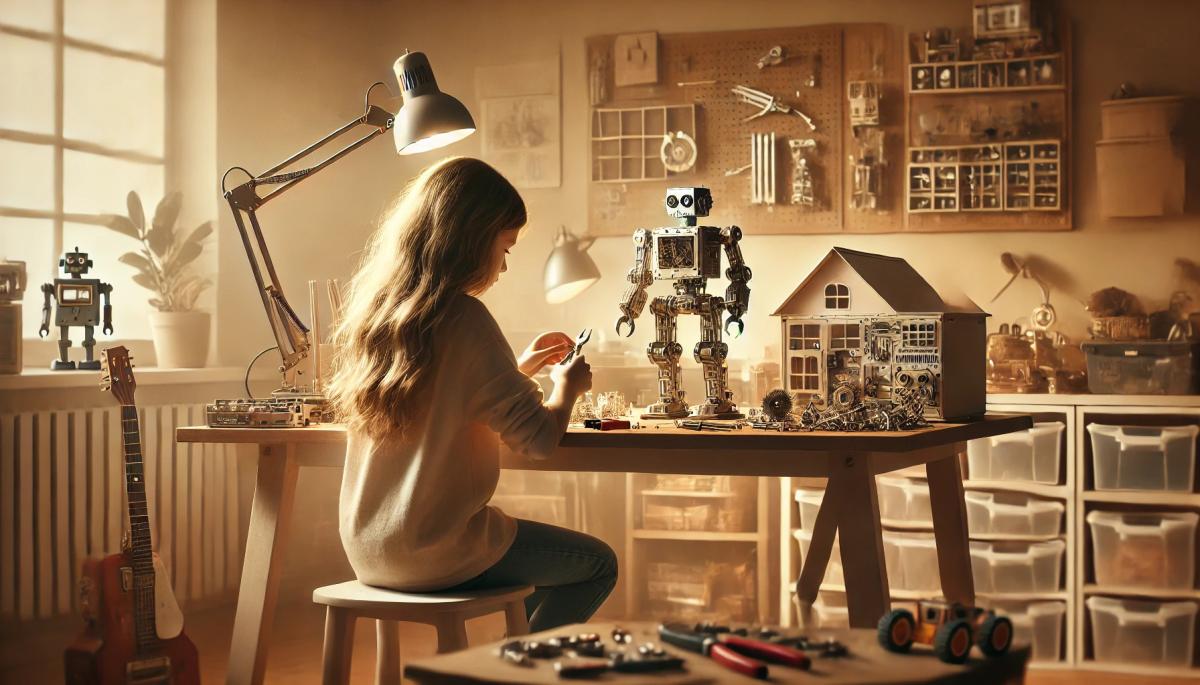
This freedom of choice supports not only creativity but also perseverance in problem-solving. There are many ways to connect the digital world with physical activities. Robot kits like LEGO Mindstorms or Ozobot bridge the virtual and real worlds. Children can program real robots to move around, react to stimuli, and complete various tasks.
However, basic programming concepts can be taught without technology. You can use so-called "unplugged" activities, which help children understand the principles of algorithmic thinking using everyday items and games, including:
- drawing procedures and flowcharts on paper,
- board games focused on logical thinking,
- physical activities where children themselves act as robots and follow given commands,
- solving puzzles and logic tasks.
Gradual transition to text programming
Once children master the basics of block programming and logical thinking, the time comes to introduce text programming languages. Python is an ideal first choice due to its clear syntax. It is important to proceed slowly and systematically, demonstrating each new concept with practical examples. Children should always see the results of their work — be it a simple calculator, a text-based game, or a program drawing geometric shapes.
When choosing a programming environment, it is important to consider the child's age and experience. For the youngest programmers, starting at age seven, Tynker is ideal, offering a wide range of activities from the simplest to the more complex. Children from eight years old can start with Scratch, where they create their first animations and games.
Around the age of ten, they are ready for Minecraft: Education Edition or Alice for 3D animations. From twelve years old, they can gradually move to Python and other text languages. At any rate, remember that every child has their own pace. Be patient and try to find ways that make learning easier and more enjoyable for them.
digital carbon footprint: how the internet and online services burden the planet

Everyday online activities have a real energy footprint that quickly multiplies in total. In the article, we will look at what digital carbon footprint means, how much energy regular internet use costs, and which activities burden the environment the most. Areas where consumption is growing the fastest and impact is not immediately visible deserve special attention.
Is blue light really a problem? The answer isn't so simple

The topic of blue light has led to many simplifications and unnecessary fears. Blue light exposure before sleep is often discussed, but its impact is not limited to just sleep. Let's put things in context, separate facts from myths, and see when it makes sense to address its effects and when it is more about excessive concern.
Are you chatting with a human or a bot? How to identify AI in chat

Online chats are often handled by artificial intelligence today, and at first glance, the responses appear to be from a real person. This is especially true for customer support, where speed and fluency are key. We'll look at how to identify AI in chat, what signs you can use to distinguish it from a human, and where the line of recognition becomes very thin.
What is ransomware and why does it no longer threaten only large companies?

Ransomware attacks are among the most common cyber threats today and are no longer just a concern for large companies. Just one careless click can cost you access to your data. We'll explain what ransomware is, how it works, and why attackers are increasingly targeting average users and smaller businesses.
How zero trust works: why mere connectivity no longer means safety

Connecting to the internet today is not just a matter of speed but also of trust. Networks handle more and more devices, sensitive data, and services that communicate almost constantly. This is why an approach called zero trust has emerged, where nothing is automatically considered safe. The article explains why this model was created and how it subtly influences everyday internet functioning.
10 reasons why your phone is drained sooner than expected

It happens that the battery life decreases faster than one would expect, even when the device is not particularly stressed during the day. Often, it's not a single specific error but a sum of small influences that gradually accumulate. This article explains what has the greatest impact on battery life, when idle draining occurs, and why this can turn into an issue causing the phone not to last even one day.